
Compatible with SketchUp 2021 to 2026
Lizark Opening Designer for SketchUp Parametric Wall & Panel Openings
Design repeatable wall and panel opening patterns for architectural screens, decorative jaali partitions, kinetic louvers, and CNC-ready workflows in SketchUp with real-time live preview.
100% One-time payment
Air-gapped offline support
Real-time live preview
SketchUp Pro • Lizark Opening Designer Studio
SketchUp 2026 Connected
Lizark Opening Designer
v1.0.0
Parametric cut openings • preview matches model exactly
Units Inches (in)
🌙
★ PRO ACTIVE
Live Preview Stage 120″ × 96″
Host: Screen_Partition_Wall (168 holes)
Moroccan Star 8 • 14 × 12 Grid • Radial Gradient • Through Cut (4.5″)
Holes
168
Open Ratio
34.2%
Min Bridge
0.85 in
Panel Size
120″ × 96″
Cut Mode
Through (4.5″)
CNC Check
Pass (0 Clash)
Pattern Presets 14 Available
✦✦
Star 8 ⬡⬡
Honeycomb ❖❖
Quatrefoil ≋≋
Wave Louver Radial Scale & Tilt Wave PRO GRADIENT
Radial Center Large → Small • 35° 3D Louver Tilt
Host Selected: Face #419
Built for
Wall and panel pattern work
Free edition
Core designs with useful limits
Pro edition
One-time purchase at $29 or ₹2,999
Explore 30 of 128 built-in designs.
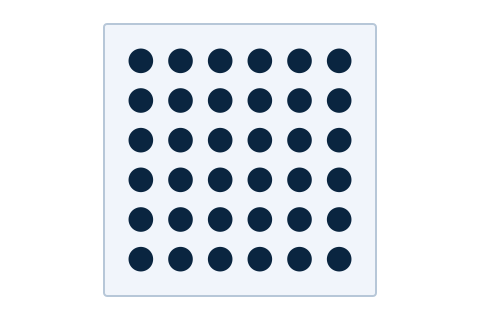
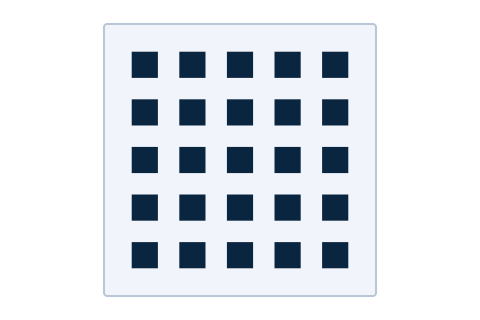
The plugin includes 128 designs across 13 categories. This page shows 30 previews; the other 98 are available in the plugin.
Square Lattice
25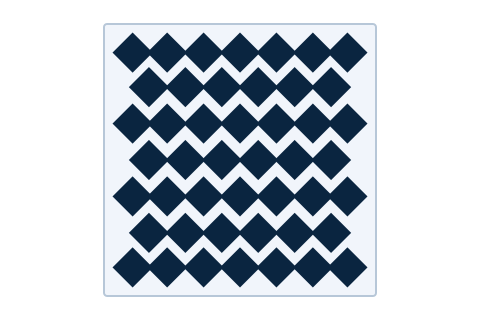
Diamond Mesh
46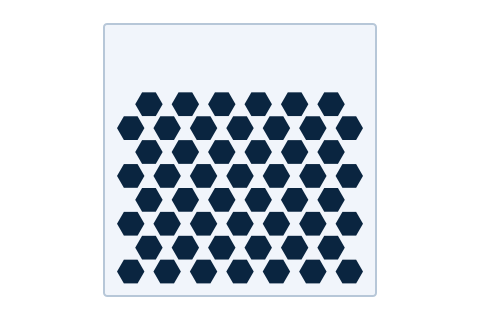
Hex Field
52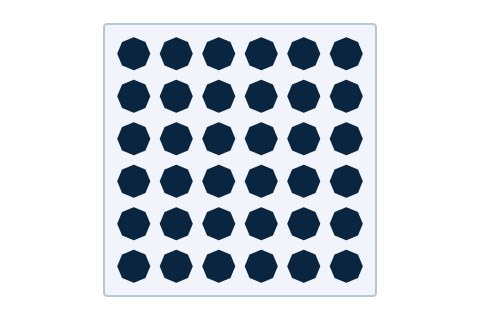
Octagon Screen
36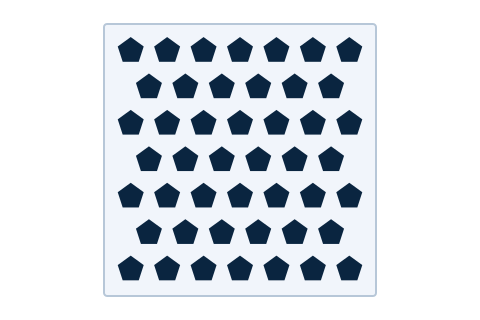
Pentagon Lattice
46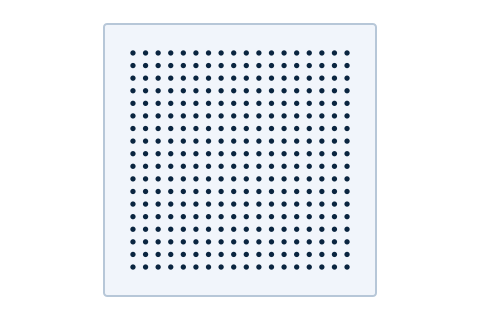
Micro Perforation
324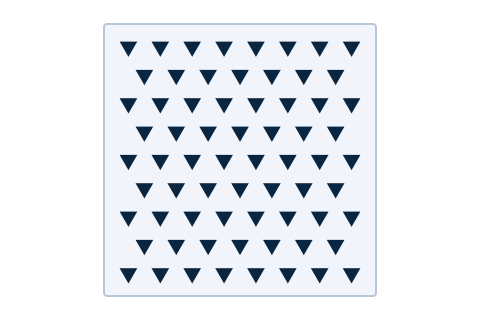
Triangle Mosaic
68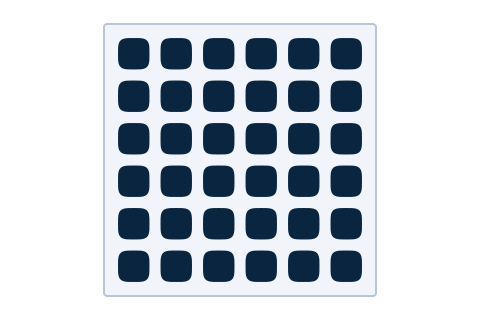
Squircle Grid
36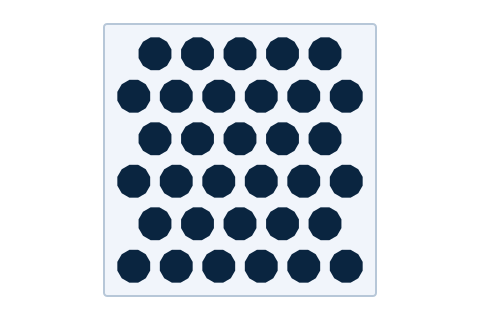
Dodecagon Screen
33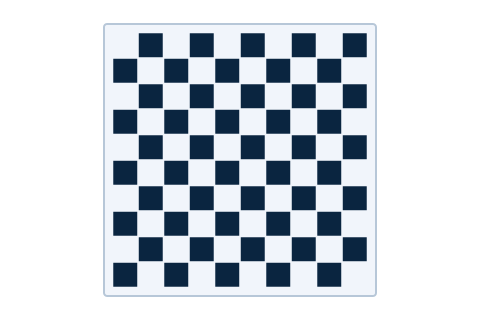
Checkerboard Cut
50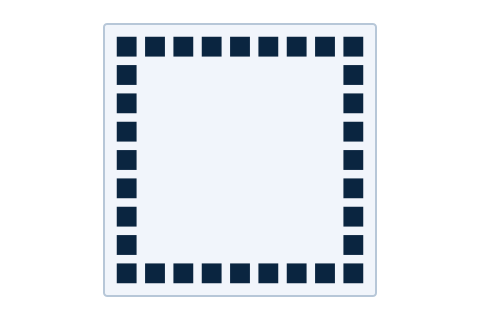
Border Frame
32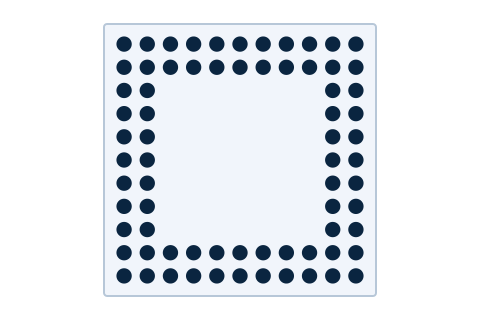
Double Border Band
72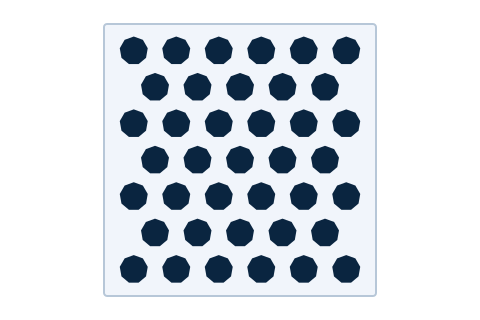
Nonagon Tiles
39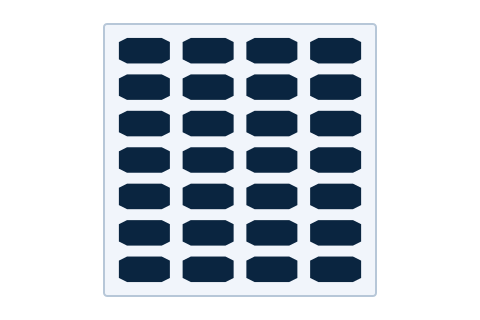
Wide Slot Grid
28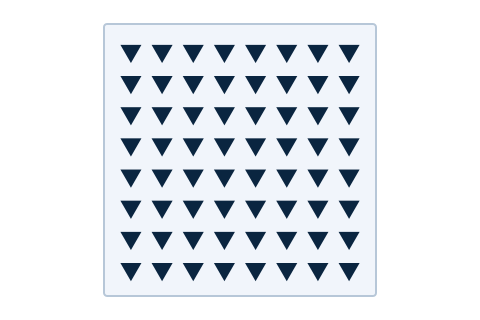
CNC Triangle Sheet
64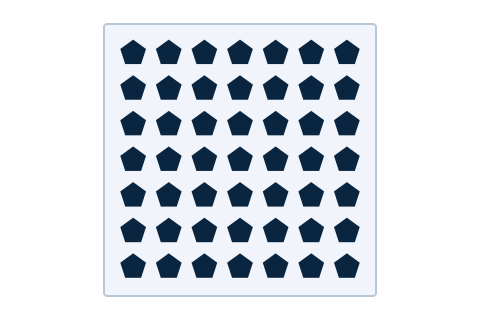
CNC Pentagon Sheet
49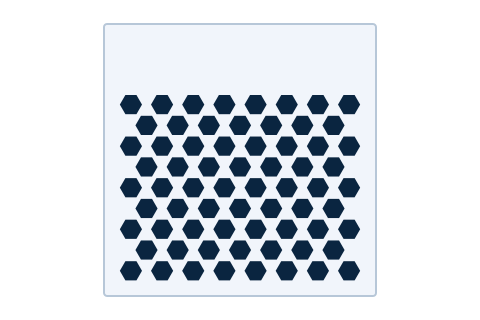
CNC Hexagon Sheet
68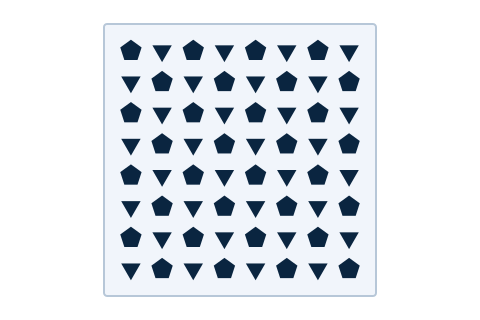
CNC Triangle + Pentagon
64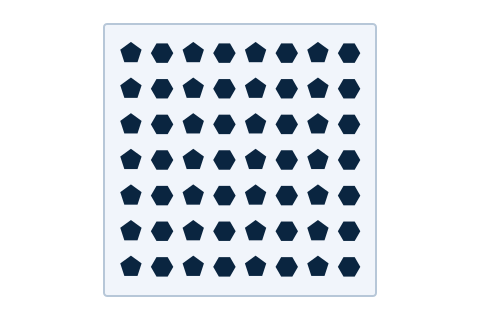
CNC Pentagon + Hexagon
56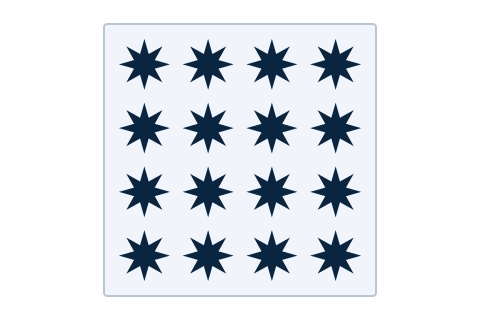
Star Eight
16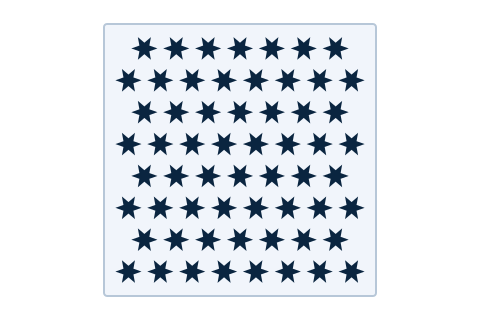
Jali Star Six
60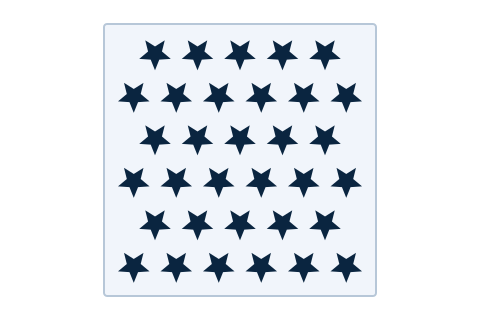
Moorish Star Five
33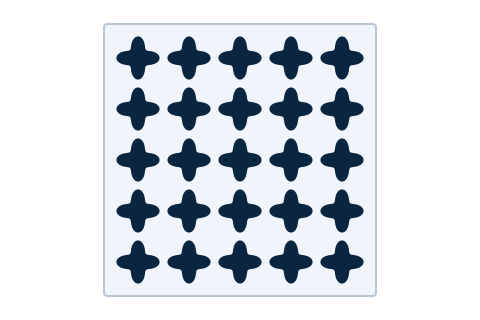
Quatrefoil Screen
25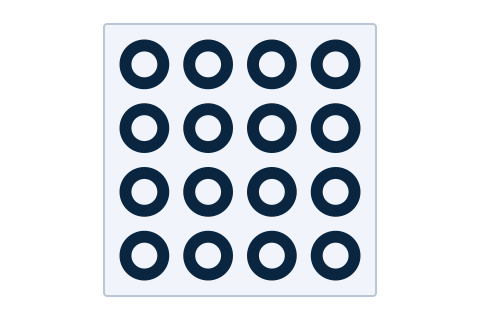
Moroccan Rings
16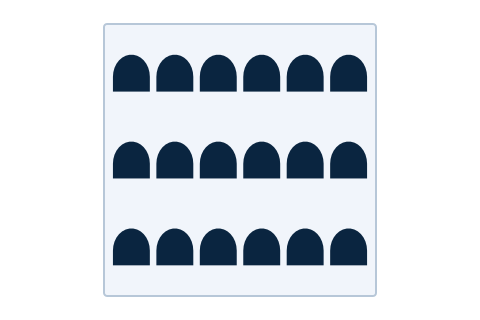
Arch Arcade
18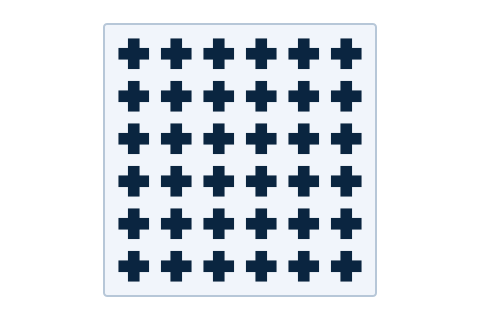
Cross Trellis
36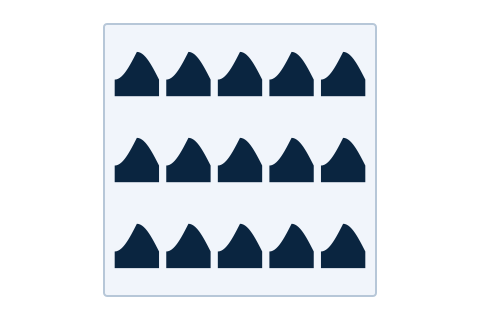
Gothic Arcade
15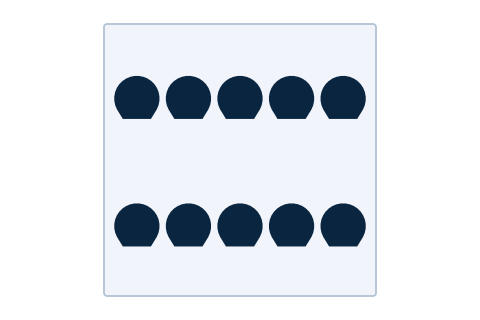
Horseshoe Arcade
10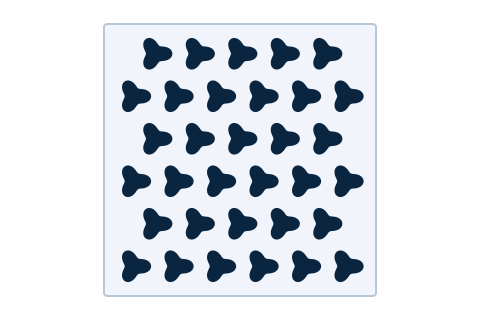
Trefoil Screen
33The number on each design shows its openings.
Design the pattern. Fit the panel. Build it in SketchUp.
Start from a curated design, adjust it to real dimensions, then create editable openings or fabrication files.
Start from 128 curated designs
Browse 128 designs across 13 categories, from jaali and screens to geometric, organic, floral, kinetic, and CNC patterns. Six are free; Pro unlocks the full library.
Shape the pattern your way
Choose from 14 arrangement engines and 55 opening profiles, including grid, brick, radial, spiral, scatter, Voronoi, checker, wave, chevron, and Mix & Match.
Fit real panel dimensions
Set width, height, margins, rows, columns, spacing, opening stretch, and pick-point offset. Work in inches, feet, millimeters, centimeters, or meters.
Bring in your own artwork
Pro turns PNG transparency or brightness into vector, halftone, or grid openings, and imports closed 2D DXF profiles for custom layouts.
Choose how the panel is built
Cut one wall layer, cut through aligned layers, or create raised relief as a separate SketchUp group with closed top faces.
Add controlled variation
Pro adds position and rotation jitter, angle effects, size and rotation gradients, repeatable scatter seeds, and collision-aware spacing.
Go from model to fabrication
Create native SketchUp components. Pro exports GLB, OBJ, DAE, STL, 3DS, FBX, WRL, XSI, plus DXF, SVG cutting drawings, and CSV cut lists.
Keep edits manageable
Update existing components when settings change, keep each raised design in its own group, or remove generated parts from the model.
Try Pro before deciding
Explore the complete Pro toolset first. After the trial, stay on Free or activate a perpetual key.
3 days
Up to 25 generations
Free to explore. Pro when you need the complete library.
Download the signed v1.0.1 installer for Free or Pro. Pro is a one-time purchase: $29 internationally or ₹2,999 in India, with a perpetual machine-bound license.
Free
Core Designer
Preview and apply useful parametric patterns without a payment or Pro key.
$0 forever
- Six starter designs, six layouts, and five shapes
- Up to 40 holes per design
- 30 successful generations per month
- Three saved custom presets
- Preview all 128 library designs before choosing Pro
Pro
Complete Designer
For studios that need full control over pattern variation, imports, exports, and production output.
$29 one-time
₹2,999 in India
- All 128 library designs, 14 layouts, and 55 profiles
- PNG tracing and closed-path DXF import
- Jitter, collision detection, angle effects, and gradients
- Editable SketchUp components and native SKP export
- 3D interchange, SVG cutting drawings, DXF, and CSV cut lists
- Unlimited holes, generations, and custom presets
- One-time perpetual license with offline activation
- Try Pro for 3 days and up to 25 successful generations
Secure Dodo checkout. After purchase, download the same signed installer and generate your machine-bound Pro key below.
Offline activation
Ready for offline design work.
Pro activation is designed around a provider-signed token verified locally. Air-gapped users can use a signed offline token bound to the machine ID shown in the plugin's License and Pro page.
Generate a machine-bound Pro key.
Use this form to activate Pro on the computer identified by its Machine ID. We verify the completed Dodo purchase and issue a signed key bound to that machine, whether it is online or air-gapped.
Machine-bound Pro activation
Generate a signed key for the supplied Machine ID. For an air-gapped SketchUp computer, copy the key and activate it there. Never share a machine-bound key.
Dedicated download
Download Opening Designer 1.0.1.
Get the Trimble-signed SketchUp RBZ installer after accepting the EULA and completing the social unlock.
SketchUp 2021-2026 Windows and macOS Free RBZ v1.0.1 available
Complete the social unlock and accept the EULA to download the signed installer.
Social unlock and EULA acceptance are required for the Free download.
Download statistics unavailable
Opening Designer FAQ
Clear answers for the Free edition, Pro plan, and first release.
What is Lizark Opening Designer? +
Lizark Opening Designer is a standalone SketchUp extension for creating parametric cut-opening patterns on wall and panel faces. It is designed for screens, jaali panels, decorative partitions, and CNC-oriented pattern workflows.
What is included in the Free edition? +
Free includes six starter library designs, six core arrangements, five core shapes, up to 40 holes per design, 30 successful generations per month, and three saved custom presets. It remains useful without payment or Pro activation.
What does Pro add? +
Pro unlocks all 128 library designs, 14 arrangements, and 55 shapes; PNG and DXF imports; jitter, collision, angle, and gradient controls; native SketchUp and 3D exports; DXF, SVG, and CSV fabrication exports; and unlimited holes, generations, and custom presets. You can try Pro for three days and up to 25 successful generations first.
How much will Pro cost? +
Pro is a one-time perpetual purchase at $29 internationally or ₹2,999 in India. Buy securely through Dodo Payments, then use the same signed installer and activate your machine-bound Pro key.
Will it work on an offline workstation? +
Yes. After a completed Dodo purchase, enter the checkout email, payment or license reference, and the machine ID from the plugin's License and Pro page in the Offline Activation section above. The site issues a vendor-signed token bound to that machine, and the plugin verifies it locally.
When can I download it? +
The Trimble-signed Free installer v1.0.1 is available from the download section below. Accept the EULA and complete the social unlock to download it.
Need help with Lizark Opening Designer?
Send us a Lizark Opening Designer support request and we will get back to you within one business day.
More SketchUp tools
Pair Opening Designer with the rest of the Lizatek workflow.
