
SketchUp Atlas
Learn SketchUp for real projects
Start with the outcome. Learn the native SketchUp method first, then see which extensions are worth adding.
- Architecture
- Turn a drawing into a building. Set a plan to scale, raise walls, cut openings, resolve roofs, and shape the ground the building sits on.
- 6 guides
- Interiors
- Fit out the inside. Bring in furniture without wrecking performance, control materials, run trim and cabinetry, and get drawings and quantities back out.
- 6 guides
- Visualization
- Make it presentable. Repair a heavy model, lock down scenes and camera, render it, populate it, and hand something a client can actually open.
- 6 guides
Basics Lab — 7 lessons · 25 minutes
Start with the Basics Lab
New to SketchUp? Practise the workspace, navigation, selection, drawing, Push/Pull, and grouping in a guided simulator before you pick a project path. No install, no .skp files — just the concepts real SketchUp expects.
Independent practice simulator — not affiliated with or endorsed by Trimble Inc.
0 of 7 lessons completed — stored in this browser only.
Pick what you want to make
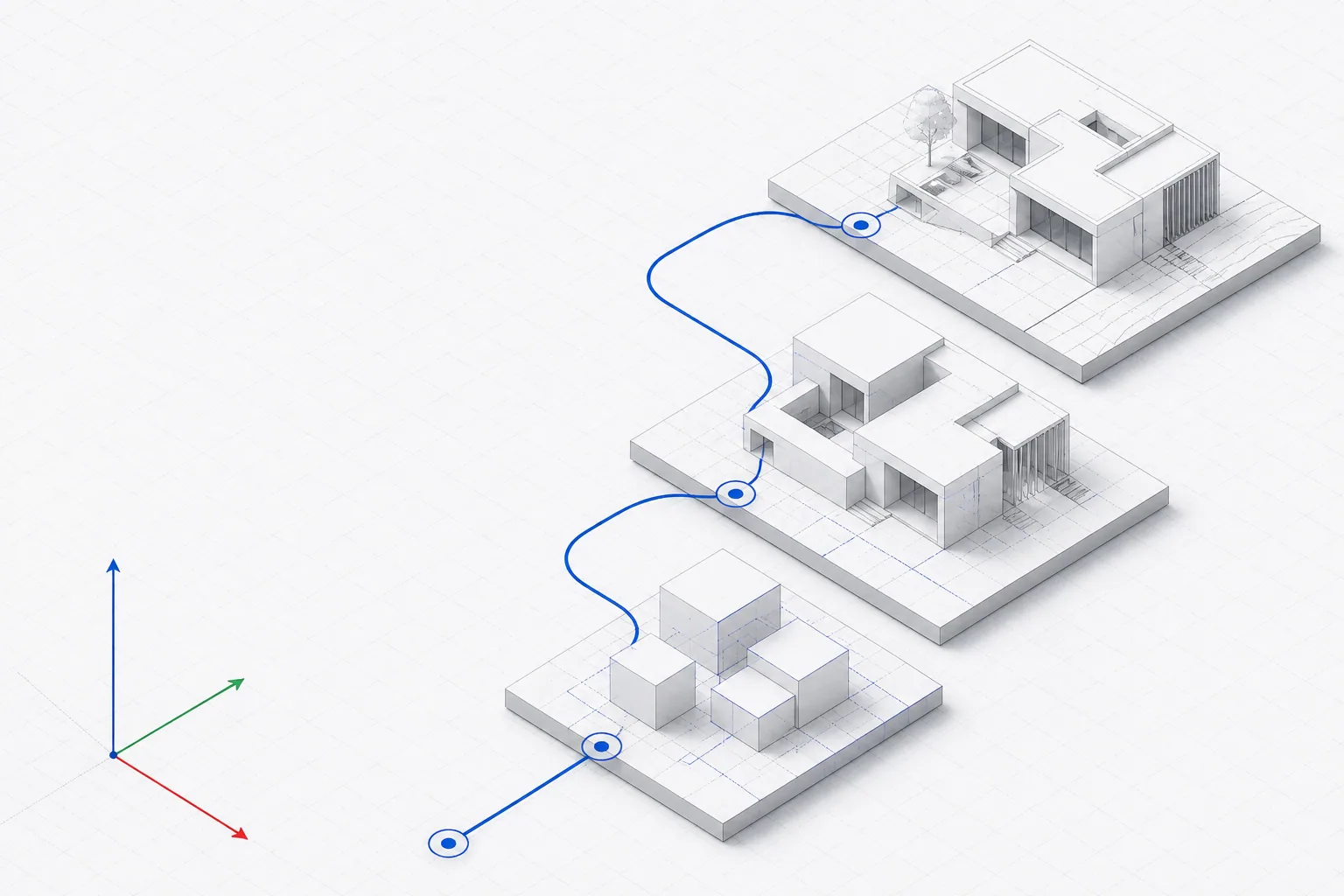
Three districts, eighteen guides. Search by outcome or filter by district, method, cost, and level. Every marker on the plate is also a link in the list below it, so the map is a shortcut, never the only way through.
Click any marker for a summary, or use the full list below. Zoom controls sit in the map corner.
The map is decorative at this width. Use the full list of guides below.
All guides
- Set a floor plan to the correct scale Beginner How do I import a floor plan into SketchUp at the right scale?
- Draw walls from a traced plan Beginner What is the fastest reliable way to build walls over a floor plan?
- Cut door and window openings Beginner How do I cut a window or door opening through a SketchUp wall?
- Build a hip or gable roof Intermediate How do I model a pitched roof in SketchUp?
- Make terrain from contour lines Intermediate How do I turn contour lines into a 3D terrain surface in SketchUp?
- Model stairs that actually fit Intermediate How do I model a staircase in SketchUp with correct riser and tread dimensions?
- Place furniture without slowing the model down Beginner Why does SketchUp get slow when I add furniture, and how do I stop it?
- Control materials and texture placement Beginner Native only How do I apply and align textures properly in SketchUp?
- Run trim, skirting, and cabinetry Intermediate How do I model skirting and cornice that follows the room?
- Produce sections and elevations Intermediate How do I get section and elevation drawings out of a SketchUp model?
- Get quantities out of a model Advanced Can SketchUp give me areas, volumes, and material quantities?
- Round and bevel edges Intermediate How do I round off or chamfer edges in SketchUp?
- Fix a heavy, slow model Intermediate My SketchUp model has become unusably slow. How do I fix it?
- Repair solids for 3D printing and CNC Advanced Why is my group not a solid, and how do I make it watertight?
- Model organic and sculpted forms Advanced How do I model curved, organic shapes in SketchUp?
- Render your first presentable image Beginner How do I get a good-looking image out of SketchUp?
- Light an interior scene Advanced Why do my interior renders look dark and flat?
- Add entourage and context Intermediate How do I add trees, people, and cars without destroying performance?
Nothing matches that combination.
Try one of these instead:
Or follow a whole project
How we choose and check extensions
Every extension profile records the developer, a link to their official page, the sources we read, and the date we last checked them. We reproduce compatibility, platform support, and pricing exactly as the developer publishes it. Where a developer does not publish a fact, the profile says “Not stated by the developer” instead of filling the gap with a guess.
- • No download counts, star ratings, badges, or “best of” rankings. We say “useful for” and “consider when”.
- • No RBZ files hosted here. Downloads always go to the developer.
- • The native SketchUp method is documented before any extension is suggested.
- • Lizatek’s own products carry a visible ownership disclosure and get no ranking advantage.
- • Something wrong or out of date? Tell us through support and we will recheck the source.
Extension facts on this site were last reviewed 28 August 2026. Pricing and version support change often — confirm on the developer’s page before you buy.
All 14 extension profiles
- CleanUp³ Thomas Thomassen (ThomThom)
- Solid Inspector² Thomas Thomassen (ThomThom)
- Joint Push Pull Interactive Fredo6
- FredoCorner Fredo6
- Artisan Organic Toolset mind.sight.studios
- Profile Builder 4 mind.sight.studios
- Skimp mind.sight.studios
- Quantifier Pro mind.sight.studios
- Skatter Lindalë
- Curic Section Curic
- 1001bit Pro 1001bit
- Enscape Chaos
- V-Ray for SketchUp Chaos
- LizArk Lizatek
Common questions
What is the SketchUp Atlas?
A goal-first map of SketchUp learning. Instead of browsing tool names, you start from an outcome such as "model a house" or "fix a slow model" and the Atlas shows the skill, the native SketchUp method, and any extension worth adding. It currently covers 18 guides across 3 districts, 14 extension profiles, and 3 project paths.
Do I need to buy extensions to follow these guides?
No. Every guide documents the native SketchUp method first, and each district contains tasks that need no extension at all. Extensions are listed as options with the specific conditions that make them worth the money, not as requirements.
How are extensions chosen and verified?
Each profile records the developer, an official source URL, and the date we last checked it. Compatibility, platform, and pricing are reproduced as the developer states them; where a developer does not publish a fact, the profile says "Not stated by the developer" rather than estimating. We publish no download counts, review scores, or rankings.
Is this the same as the Lizatek product tutorials?
No. The Atlas is about SketchUp generally, including third-party extensions. The Lizatek tutorial library documents Lizatek products specifically. LizArk appears in the Atlas as one extension option among many, with an ownership disclosure on its profile.
Does the Atlas track my progress?
Only in your own browser. Marking a guide complete writes to one localStorage key on your device. There is no account, no server call, and nothing is transmitted. Clearing site data clears it.
Looking for Lizatek product documentation?
The Atlas covers SketchUp generally. Product manuals live in the tutorial library.
